01The problem
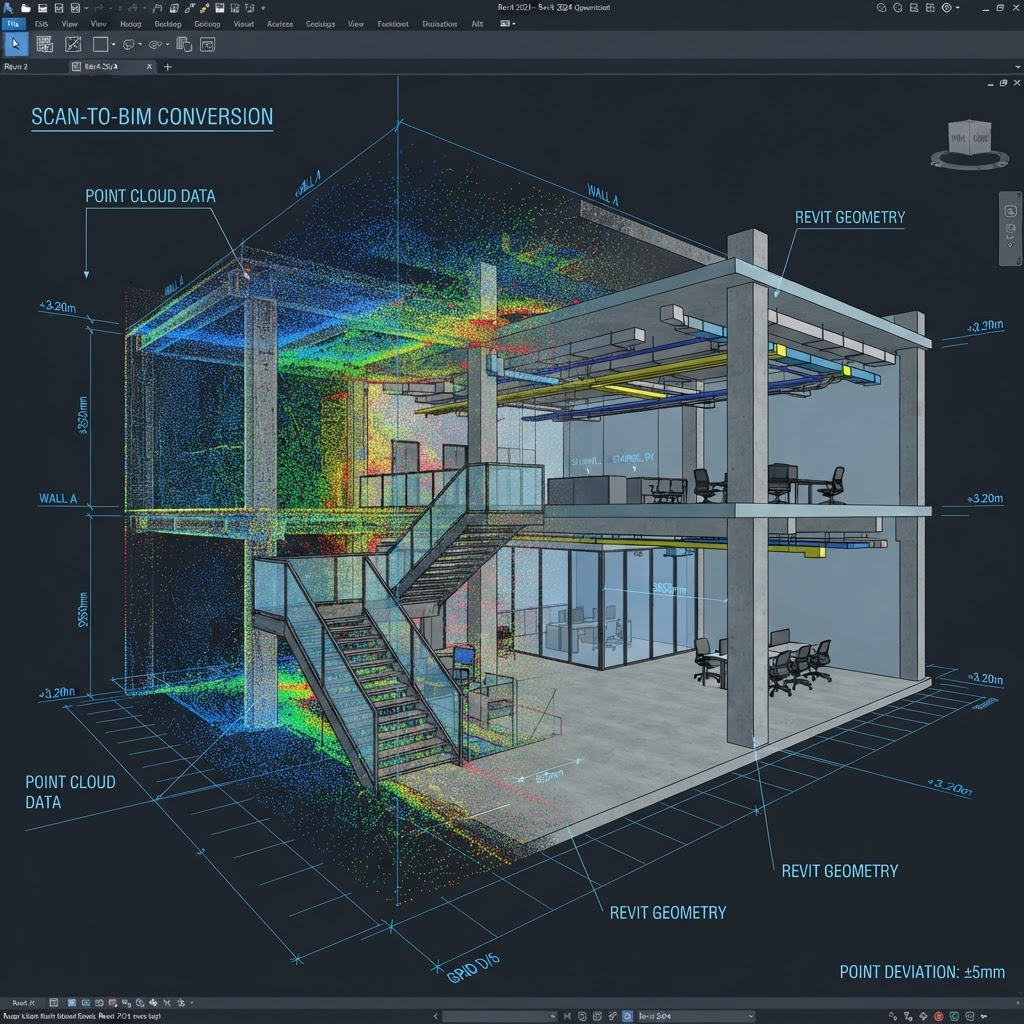
Renovation and as-built projects start with messy reality-capture data. Turning raw point clouds into a usable, accurate BIM model is specialized, tedious work.
02How we help
We convert laser-scanned point cloud data into clean, organized Revit models you can design and document against.
03Capabilities
- Point cloud registration and clean-up review
- Scan-to-BIM modeling in Revit
- Existing-condition and as-built documentation
- Organized, LOD-appropriate models
04Deliverables
- Native RVT as-built model
- Existing-condition drawings (PDF/DWG)
Common use cases
- Renovation and retrofit projects
- As-built documentation
- Existing-condition modeling
05How it works
A predictable process for point cloud to bim
- 01
Receive scan
Share your registered point cloud data and scope.
- 02
Model
We model existing conditions in Revit from the scan.
- 03
Verify
We check the model against the point cloud for accuracy.
- 04
Deliver
Organized as-built model and drawings.
06Proof
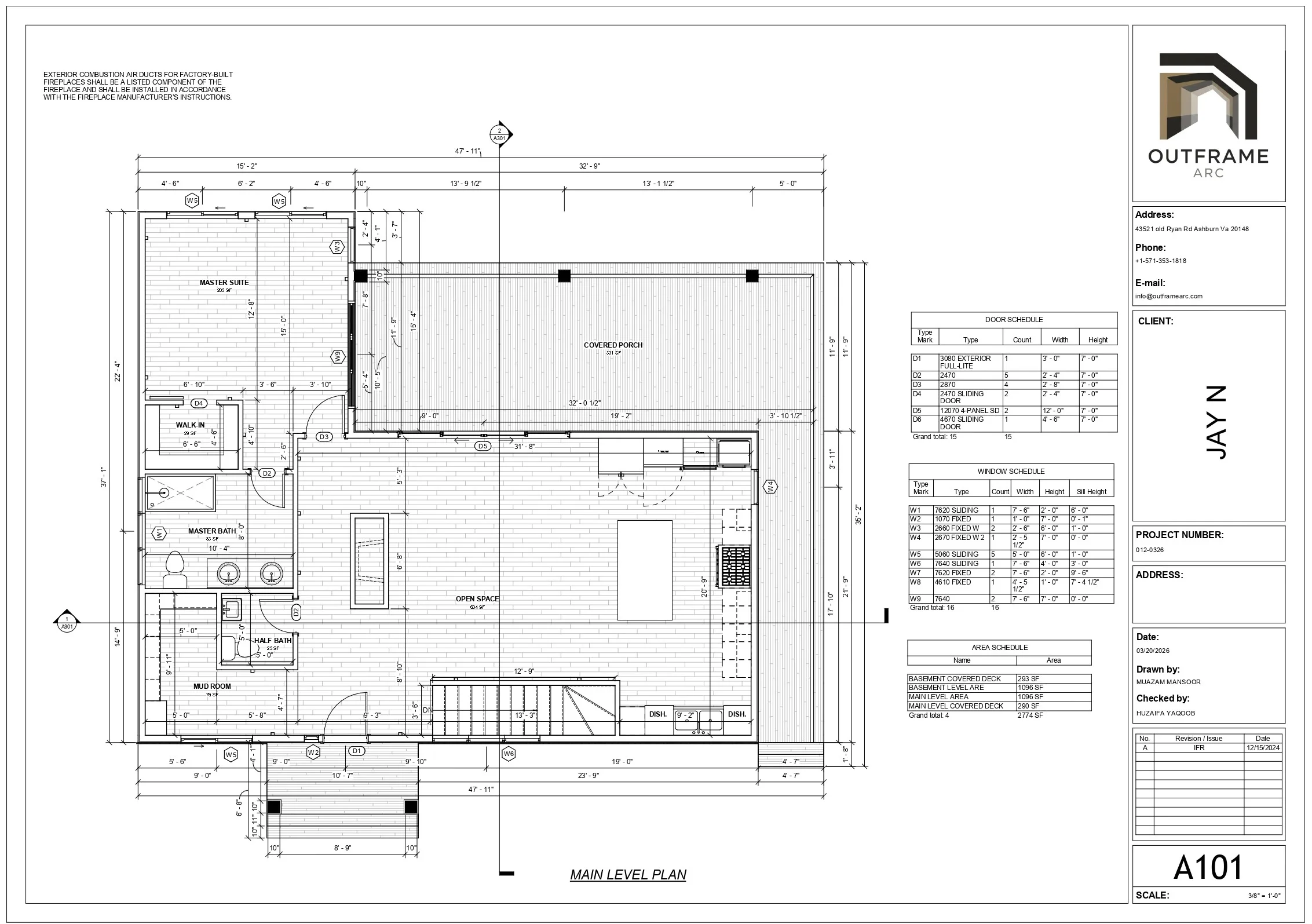
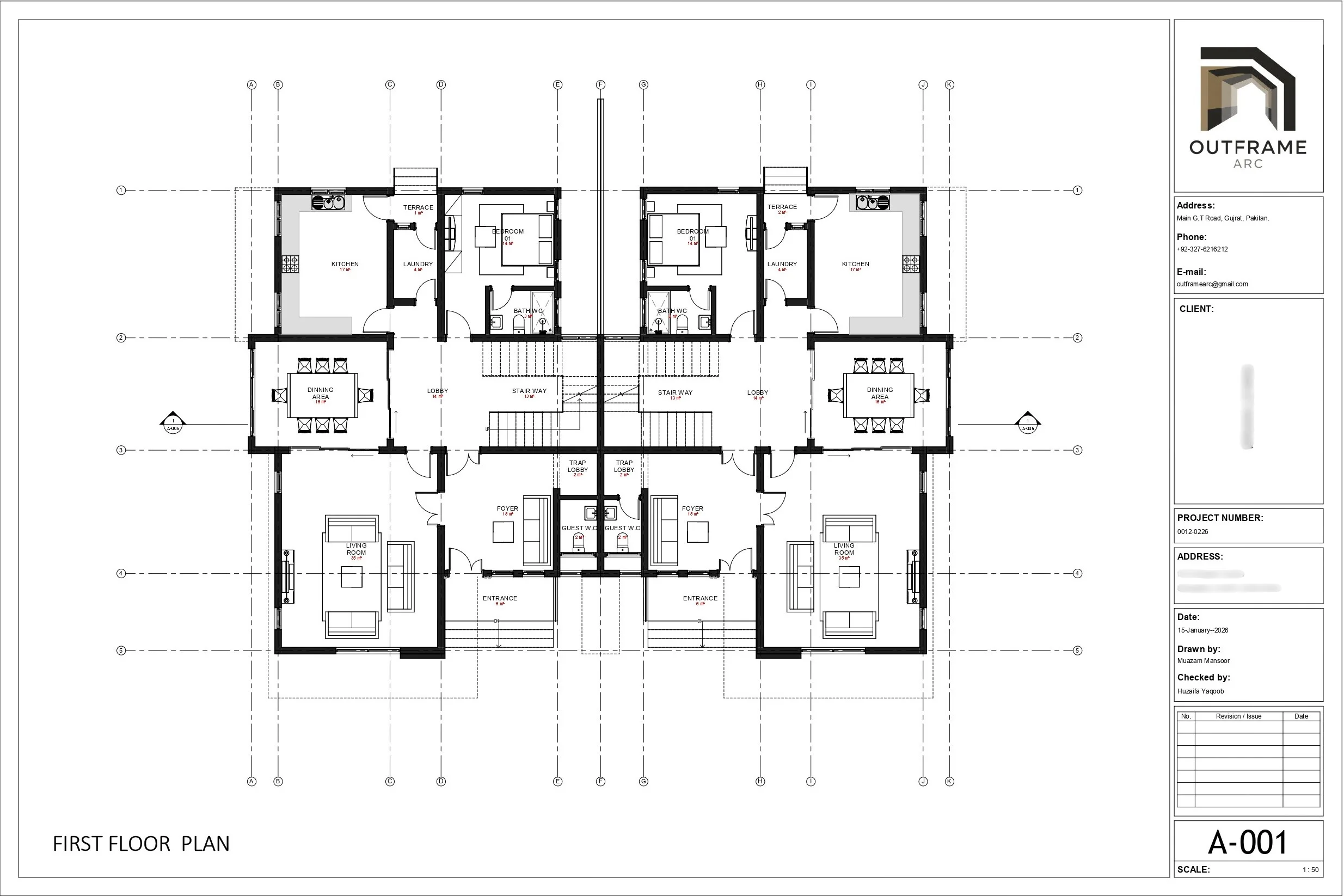
Related production work
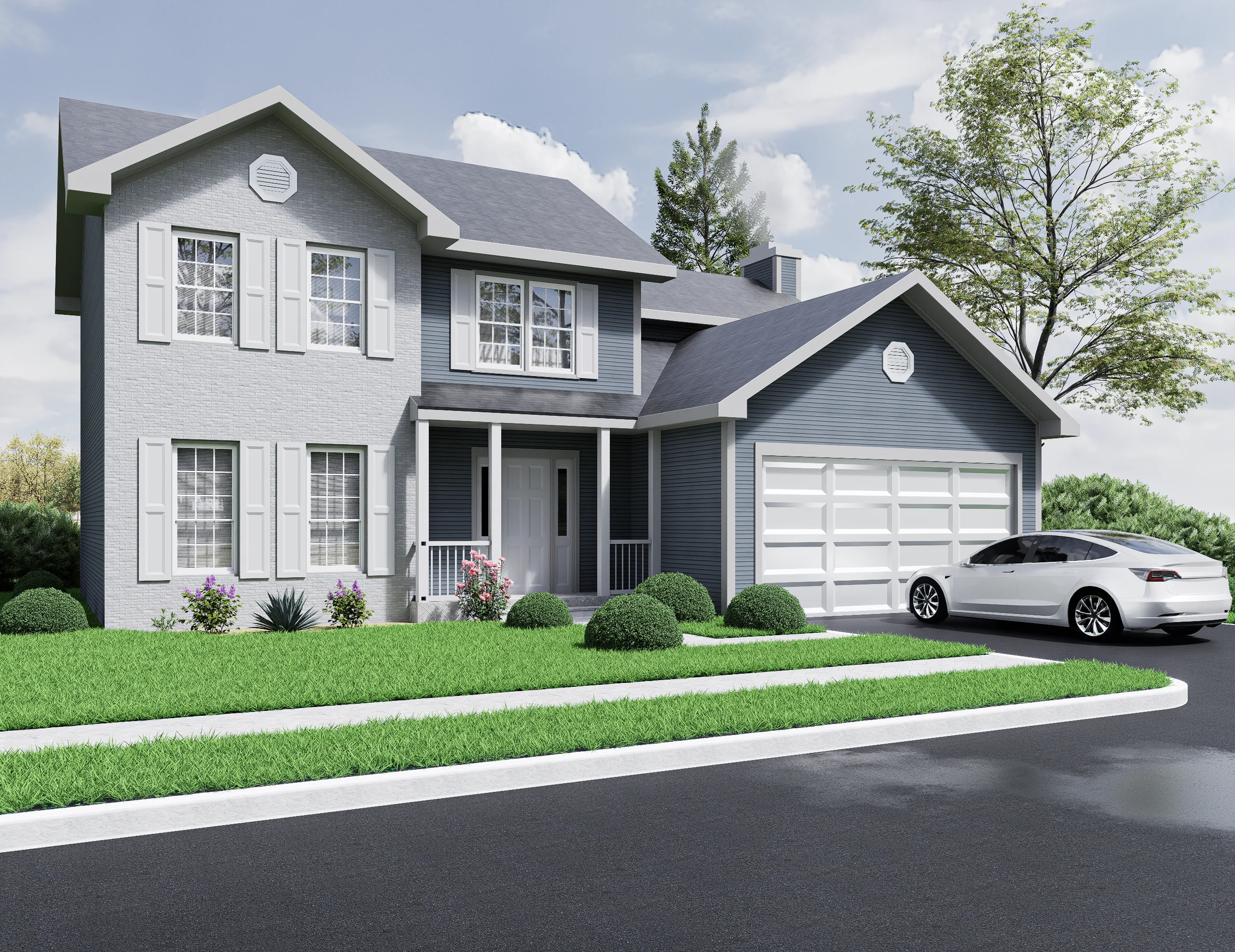
07Questions
RCP /RCS. Share your registered point cloud data on the intro call and we'll confirm compatibility.
08More services
Start a conversation
Need point cloud to bim support?
Send us the scope. We'll review it and get back to you about how Outframe Arc can extend your team.